Google Ads and GA4 Integration for B2B Funnel Tracking
Set up your GA4 conversion events to match actual buyer intent, not just form fills.
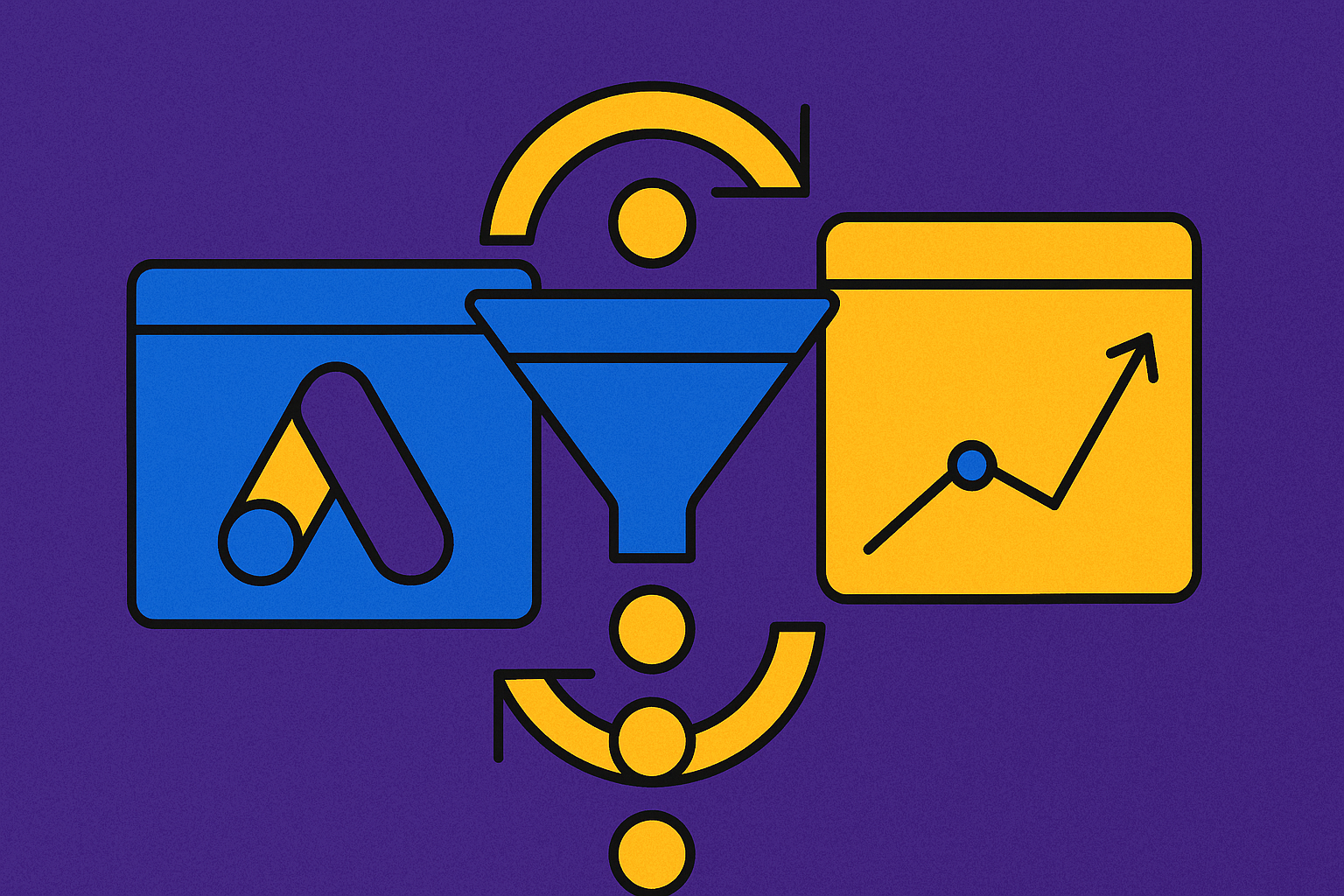
Google Ads and GA4 can talk to each other. That part's easy. The hard part is deciding what they should say. Most B2B teams link the two platforms, watch conversions flow through, and call it done. It isn't done. A form fill is not a sale, and if the tracking behind that link can't tell the difference, neither can the bidding algorithm spending the budget.
Universal Analytics stopped processing data on July 1, 2023. If a team is still thinking in sessions and pageviews, that mental model broke over two years ago. GA4 runs on events. That's not a redesign, it's a different way of counting what happens on a website. Native Google Ads tracking only ever credited the last ad clicked anyway. It never saw what came before that click or what happened after. GA4 was supposed to fix that blind spot. Whether it does depends entirely on how the funnel underneath it gets built. Newsletter signups, gated PDFs, and demo requests can all land on the same thank-you page and look identical to an algorithm that only checks whether a tag fired.
In GA4, a conversion is just an event with a value attached. It doesn't have to be a purchase or a final form fill. Pageviews, session starts, first visits: these are events too. Everything measurable starts as an event, and that's the shift that matters. It opens the door to tracking the whole chain of signals a buyer leaves behind, not just the last thing they clicked.
GA4 allows up to 30 conversion events per property, up from 20 goals in the old platform. More room sounds like a win, but here's where most teams get it backwards: marking more events as conversions doesn't sharpen the picture, it blurs it. Not every event deserves the label. Three tiers matter:
- Primary events (demo_booked, paid_subscription_started): these should drive bidding.
- Secondary events (download_whitepaper, webinar_registration): useful for analysis, but they shouldn't feed Smart Bidding directly.
- Diagnostic events (scroll, video_start): behavioral context only, nothing more.
A whitepaper download and a demo request are not the same buyer intent. Treat them the same in conversion settings, and the algorithm learns from the wrong group of people. That's the single most common mistake in B2B GA4 setups, and it's an easy one to check for: open the conversion events list and count how many things marked "conversion" are actually just curiosity.
Retention matters too. GA4's default is two months of data. B2B sales cycles routinely run longer than that, so retention needs to go to 14 months right away, or year-over-year comparisons become impossible. GA4's Task Assistant, introduced in 2026, catches setup gaps like unlinked Ads accounts or missing cross-domain rules, but it won't fix sloppy naming. Call events request_demo, start_trial, contact_sales, consistently, every time. Inconsistent names split the data apart and turn cross-team reporting into a guessing game.
The B2B event taxonomy: which signals belong in the funnel and which ones pollute it
Some events deserve a seat in the optimization engine. Others belong in a spreadsheet for later reading, not anywhere near live bidding. The high-intent events worth tracking closely:
- demo_request / request_demo
- trial_start / start_trial
- mql_submit
- sql_conversion
- pricing_page_view (a strong intent signal even with no form involved)
- contact_sales
An event without parameters is just a number going up. Parameters are what make it usable:
- user_id, connecting the event to a CRM record
- lead_source, keeping channel attribution alive through the CRM handoff
- trial_value or estimated pipeline value, so revenue traces back to a channel
A trial_start event with well-chosen parameters, connecting value, trial type, and source campaign, becomes a record worth having.
Set these events up through Google Tag Manager, not hardcoded into the site. Fire them on form submissions, key button clicks, and high-intent page views. Watch for the thank-you page trap: if one /thank-you URL fires for both a demo request and a newsletter signup, the conversion action means nothing to the bidding algorithm. Split the events apart, not the pages.
It also helps to track form_start and form_submit as two separate events. The gap between them shows where people get stuck, and it filters out the tire-kickers who start a form and bail before finishing.
Scroll depth, video progress at 25/50/75%, content downloads: useful for analysis, none of it belongs near Smart Bidding. It's diagnostic, full stop. Before any of this touches a live campaign, check it in DebugView and Realtime: every event fires once, at the right moment, no duplicates on a page refresh or redirect, parameters passing through correctly. One property per business, one data stream per platform. Duplicate streams quietly inflate every number in the account, and nobody notices until the totals stop making sense.
How GA4's funnel exploration maps the actual B2B path to pipeline
Funnel Exploration in GA4 is a lot more flexible than the old UA funnels. Any event can be a step, not just a pageview. Building one for a B2B funnel looks like this:
- Go to Explore → Funnel Exploration
- Set steps that mirror the real sales path: page view → pricing page view → sign up → demo request
- Set the window to 30 days or longer, since B2B cycles run long
- Look at where drop-off happens between steps
Path Exploration adds another layer: comparing the paths of people who convert against people who don't. Non-converters tend to stall at the same spots, usually product pages or pricing pages. That's worth watching closely, because it points straight at where the friction lives.
The funnel view also shows which channels bring in leads that keep moving versus leads that stall after the first touch. That's the channel quality signal that last-click attribution erases completely. Content shows up here too. Webinars, case studies, blog posts, whichever ones appear in the path of users who eventually hit demo_request or sql_conversion, are doing real work even if they never get direct credit for a conversion.
One limit worth knowing: GA4 Explorations start sampling data above roughly 10 million events, and they can't natively join GA4 data with ad spend or CRM records. For reporting that needs to hold up in front of stakeholders, that means routing through Looker Studio or BigQuery. What's left is still the fullest picture available: the entire path from first interaction to conversion, across sessions and devices, something UA never offered.
Linking GA4 to Google Ads: what the connection actually enables and where it breaks
Before linking the two, get these in place: Editor permission in GA4, Admin access in Google Ads, auto-tagging turned on in Google Ads, Personalized Advertising enabled in the link settings. Skip any of these and the link either fails or works incompletely.
Once it's live, here's what changes:
- GA4 conversion events import directly into Google Ads as conversion actions
- Smart Bidding gets more than just the conversion tag; it gets the path and context around it
- GA4 audiences, including predictive ones, become available for targeting and exclusion in Ads
- The Conversion Paths report shows every touchpoint before and after an ad click
- Google Ads data shows up inside GA4's Acquisition reports directly
Give it 24 hours after linking before checking for problems. Data takes that long to start flowing, and any mismatch spotted earlier is just noise.
Numbers between the two platforms won't match, and that's expected, not a bug. GA4 defaults to data-driven attribution. Google Ads often leans on last-click or an ads-focused model. GA4 typically counts a conversion every time the event fires, with "once per session" available but not the default; Google Ads may count every post-click conversion it sees. Different math, different totals, same underlying data.
One change worth flagging: starting in April 2026, purchase events require a unique transaction_id within a 24-hour window for de-duplication, tighter than the older, longer lookback. Accounts that haven't updated their tagging for this are quietly over-counting purchases right now.
For anything touching the EEA or UK, consent signals (ad_storage, analytics_storage, ad_user_data, ad_personalization) need to fire correctly through the CMP. Get this wrong and it doesn't just mess up reporting, it degrades the data Smart Bidding is learning from. When importing conversions into Ads, be selective: primary conversions like demo requests and trial starts should drive bidding. Secondary and diagnostic events stay in GA4, for analysis only.
Smart Bidding's dependency on clean conversion data, and the B2B-specific failure modes
Enhanced CPC was retired from Search and Display the week of March 31, 2025. Five Smart Bidding strategies remain, and standalone tCPA and tROAS no longer show up as separate options in new campaigns, only as Maximize variants with an optional target field.
Google sets minimum conversion volumes before these strategies work properly: 30 conversions in 30 days per campaign for tCPA, 50 for tROAS. Below that, either consolidate into a portfolio bid strategy or run Maximize Conversions first to build up a history.
After turning Smart Bidding on, expect a learning period of one to two weeks where performance swings around. Touching bids during that window tends to make things worse, not better. Every time a strategy gets switched, the algorithm has to rebuild its signal from scratch. Accounts that flip strategies often never build up enough signal to actually optimize, they just keep restarting the clock.
Consolidation matters structurally too. A dozen small campaigns each with a handful of conversions give the algorithm almost nothing to learn from. Fewer campaigns with more conversions each is a real improvement, not a nice-to-have.
Here's the failure mode that trips up nearly every B2B account running Smart Bidding: if the system is optimizing toward a conversion tag that fires for both newsletter signups and demo requests, it will chase the cheaper one, usually the newsletter signup, every single time. That's not a flaw in the algorithm. That's the algorithm doing exactly what it was told to do. Blaming Smart Bidding for this is like blaming a navigation tool for driving you to the wrong address you typed in yourself.
Most teams get this backwards: they treat Smart Bidding as the fix for messy tracking, when it's actually the thing that punishes messy tracking fastest and hardest. A confused human analyst might notice something's off after a week. Smart Bidding won't notice. It'll just keep spending toward the cheap, wrong signal, at scale, around the clock.
Journey-aware bidding, announced at Think Week 2025 and still in beta, aims at this exact problem: letting a Target CPA campaign learn from every stage in the lead-to-sale path instead of just the form fill. That's a direct answer to the B2B gap, where the thing that's easy to measure sits far upstream of the thing that actually matters.
AI Max for Search reached general availability in April 2026, broadening automation across search campaigns. Worth some caution for B2B specifically: broader query matching pulls in more top-of-funnel traffic, and landing page expansion can push prospects toward educational content instead of a page built to convert. Generated ad copy can also flatten positioning that took time to build. Google itself delayed the automatic migration of DSA campaigns to AI Max from September 2026 to February 2027, a sign the feature isn't fully settled yet.
Per SaasHero, companies with solid event tracking see roughly a 20% lift in conversions from better audience targeting and campaign tuning. That lift comes from clean signal. The link between the ad platform and GA4 doesn't produce it on its own.
Offline conversion import: closing the loop between GA4, Google Ads, and CRM pipeline
GA4 and Google Ads can see clicks and form fills. Neither one sees which leads became SQLs, which entered active pipeline, or which closed. That data lives in HubSpot, Salesforce, or wherever the CRM sits, and without a bridge back to the ad platform, that's exactly where attribution quietly falls apart.
Offline conversion import is that bridge. It takes CRM-qualified outcomes and feeds them back into Google Ads so Smart Bidding can optimize toward pipeline instead of form fills. The mechanics:
- Capture the gclid and pass it into the CRM the moment a form gets submitted
- When a lead hits MQL, SQL, or closed-won in the CRM, export that event with the original click identifier and the CRM status as the conversion name
- Import that file into Google Ads as an offline conversion, so the algorithm sees which clicks actually produced pipeline, not just which clicks produced a form fill
For attribution modeling on long B2B cycles, data-driven attribution with a 90-day lookback is a reasonable starting point, but it should get checked against actual CRM closed-won data to confirm it reflects how buyers really move.
None of this works if CRM fields for lead_source and campaign aren't filled in consistently the moment someone fills out a form. Without that, the import has nothing to match back to the original click. Build this before a campaign launches, not after. Retrofitting it later means months of unusable data. Before attempting any of this, confirm GA4 property access, GTM setup, and CRM compatibility with HubSpot or Salesforce are all in place. Miss one piece and the chain breaks quietly, with no error message telling anyone why.
GA4 audiences as a B2B targeting and exclusion layer in Google Ads
Once GA4 and Google Ads are linked, GA4's audiences become usable directly inside Ads campaigns, and this is where a clean event taxonomy starts paying off in a concrete way. An audience built from people who hit pricing_page_view but never reached demo_request is a sharper retargeting pool than anything built from a generic "visited the site" segment. An audience of everyone who already submitted mql_submit should get excluded from prospecting campaigns entirely: spending money to re-acquire someone already sitting in the CRM is just wasted budget, and it happens constantly in accounts that never built this exclusion.
Predictive audiences fit here too: GA4 can build groups based on likelihood to convert, using the same event data covered throughout this piece. The catch is that predictive audiences are only as good as the events feeding them. Feed the model demo requests and newsletter signups treated as equals, and the predictive audience ends up just as confused as the bidding algorithm was.
The connection between the ad platform and GA4 was never the hard part, and treating it like the finish line is the mistake that undoes most of this work. The link is a pipe. What flows through it, clean, well-defined, correctly parameterized events tied back to real pipeline outcomes, is what actually decides whether the budget lands on the right buyers or just the cheapest clicks.