Enhanced Conversions Setup for B2B Google Ads Accounts
Unified enhanced conversions setup now requires consent mode and customer data terms.
This guide covers enhanced conversions setup for B2B Google Ads accounts. The 2026 unified toggle is not a cosmetic interface tweak. It changes how B2B accounts have to build their first-party data pipelines, starting from the ground up.
Start with the problem enhanced conversions were built to solve. Standard conversion tracking runs on cookies, and cookies fail constantly: Safari and Firefox block third-party cookies by default, iOS privacy rules cut off cross-app tracking, ad blockers stop pixels before they ever fire, and buyers hop between a laptop, a phone, and a work desktop mid-journey. A lead your sales team is actively working looks, to the algorithm, like it never happened.
Enhanced conversions close that gap by capturing information the buyer gives up willingly: an email, a phone number, an address, typed into a form. That data gets hashed with SHA-256 the moment it's submitted, then matched against signed-in Google accounts to recover conversions that cookies would have missed entirely. No new data is collected beyond what was already sitting in the form submission, matched in a way that survives the blockers.
Before 2026, this ran as two separate products wearing one name. Enhanced conversions for web covered online purchases and form submissions. Enhanced conversions for leads covered offline sales attributed through CRM data. Different setup screens, different spots in the Google Ads interface, and the common result was partial implementation: one half live, the other forgotten. Google's own update page lays out the fix on a timeline. Starting in April 2026, Google Ads began accepting user-provided data at the same time from website tags, Data Manager, and API connections. Starting in June 2026, the web and leads versions merged into one on/off switch, with no separate method screens left to choose between.
The payoff isn't abstract. A Google conversion lift analysis, reported by Bizi Digital, found an 8% incremental ROAS lift on Search for advertisers who turned enhanced conversions on. That lift comes from better signal quality feeding Smart Bidding.
For B2B accounts, the unification closes exactly the gap that did the most damage: leads tracking running on patchy, manual CRM uploads while web tracking hummed along cleanly on its own schedule. One single module now handles both, through the same diagnostics. That matters more for B2B than almost anywhere else in Google Ads, for reasons the next section gets into.
B2B Accounts Face a Harder Setup Problem Than E-Commerce Accounts
B2B conversion events don't behave like e-commerce ones. A form submission isn't the moment value gets created, and Google's bidding algorithm has no way to know that unless someone tells it. An online store can treat "purchase" as the finish line. But a B2B seller treats a form fill as the starting gun.
That mismatch creates a real problem for Smart Bidding. Trained only on form fills, the algorithm chases volume of leads rather than quality of leads. If you leave the algorithm alone, it spends budget filling the pipeline with the second kind.
Fixing that requires a specific data architecture, built in layers. The Google Click ID, or GCLID, has to be captured the instant someone clicks the ad, then carried from the landing page into the CRM, usually through a hidden form field feeding a custom field in HubSpot or Salesforce. As that lead moves through the pipeline, the CRM has to send the original GCLID back to Google Ads along with the conversion event and a dollar value attached to it, through what's called an offline conversion import. Value-based bidding then assigns different conversion values at each pipeline stage, so the algorithm learns to chase the outcomes that matter rather than just counting leads.
Picture the stages with numbers attached. A form fill might carry a nominal value, just enough to show you that something happened. An MQL, a lead marketing has qualified, carries more. An SQL, a lead sales has accepted as worth working, carries more still. Closed Won carries the real number, the actual contract value. If you feed Google that ladder, the algorithm starts bidding toward the top of it instead of toward raw form-fill counts.
Long sales cycles make the stakes higher. A deal that closes months after the initial click only attributes correctly if the GCLID survives that entire stretch and the import pipeline keeps running reliably across that entire window. If one step in that chain is missed, the deal closes with no ad click attached to it anywhere in Google's data.
Match quality on the front end affects all of this too. Campaigns You Love's 2026 guide names three match keys Google can use: email, phone, and physical address, and providing all three noticeably improves Google's odds of matching the hashed data to a signed-in account. For most B2B forms, email is the one reliable key available at the point of submission. Offline conversion imports send real CRM-stage data back to the algorithm, so they end up being the single highest-leverage move you can make in a B2B Google Ads account, training a bidding system on actual revenue instead of raw lead counts.
The two prerequisites that block everything if skipped: Consent Mode v2 and Customer Data Terms
You need to check two account-level requirements before any tag configuration or Data Manager setup, because both fail silently. Most enhanced conversions failures in B2B accounts come down to one of these two things being missing, and neither one throws an error. The setup looks complete. The dashboard looks normal. Google is quietly throwing away every bit of data coming in.
The first is Consent Mode v2. Enhanced conversions work by sending hashed personal data to Google for matching, and Google won't use that data unless the ad_user_data consent parameter, part of Consent Mode v2, is explicitly set to "granted". That parameter became part of the spec in November 2023 and mandatory from March 2024. Consent Mode v2 added two parameters on top of the original version, ad_user_data and ad_personalization, and any account that set up v1 and never came back to update it is sitting in exactly this failure state right now. It applies to every account, regardless of where the business operates.
The second is Google's Customer Data Terms. Relevant Audience's 2026 guide points out that if you run an MCC, a manager account structure common among agencies and larger in-house teams, you typically have to accept these terms on each individual account, not once at the manager level. The common pattern: terms get accepted on the primary account, and child accounts sit silently unaccepted, never flagged, never fixed. Existing users who had already agreed to the old Customer Data Terms get migrated automatically to the new unified status, but only if that agreement was already on file for that specific account, since MCC structures require acceptance account by account, not at the manager level. The fix is a short path: Goals, then Settings, then Customer data use, then accepting the terms there, done before anything else.
Check both of these before you touch a single tag or Data Manager setting. If they're skipped, every hour spent on configuration afterward produces nothing, with no error message pointing back to why.
The June 15, 2026 API migration for B2B accounts using legacy offline import
Accounts already running offline conversion imports hit a real breaking change here, so this isn't just a cosmetic update. Legacy API pipelines got cut off starting June 15, 2026.
The detail that catches teams off guard: developer tokens that hadn't sent a single request between January 2026 and June 2026 lost legacy access entirely. Accounts that simply paused their imports over the winter, planning to pick back up later, still got cut off. If you run a custom CRM-to-Google-Ads integration through the old Google Ads API for offline conversion uploads, you need to rebuild it against the Data Manager API, because the legacy endpoint stopped taking data outright.
Teams using a third-party connector, something like Zapier or Stape, to push offline conversions may already be fine. If the connector provider updated its underlying API calls, the migration may have happened automatically. That should get confirmed rather than assumed.
Confirming it takes one check. Open Data Manager and look at whether imports show "Active" status with data coming in recently. A gap in the import history starting around mid-June is the signal that the legacy pipeline got blocked and nothing replaced it. Accounts starting fresh with enhanced conversions now don't need to worry about any of this. The migration only bites teams with a pipeline that was already running before the cutoff.
Choosing the right data-sending method for a B2B account: Google tag, Data Manager, or API
The unified toggle accepts data from three routes at once, but B2B accounts with offline lead handoffs still have one primary method that actually fits how their deals close. Picking the wrong one leaves data gaps even with the toggle switched on.
If you place the Google tag directly or through Google Tag Manager, it works best for capturing user-provided data the moment someone submits a form on the site. For a B2B account, that means it captures the lead-level event and the match keys, email and phone, right at the top of the funnel. It has no way to carry pipeline stage or revenue data, which has to come through a separate offline method. Campaigns You Love's GTM guide walks through that tag setup, and the detail worth double-checking for B2B accounts is whether the GCLID is also being captured in a hidden field on that same form.
Data Manager was the method that got the most attention at Google Marketing Live 2026. It now connects directly to tools like Mailchimp, ActiveCampaign, Klaviyo, and Google Drive, and supports connections through the Data Manager API by way of partners like Zapier, Stape, and Triple Whale. For a B2B account where deals close offline inside a CRM, Data Manager is the method doing the real work: pipeline-stage conversions get pushed back to Google, field mappings are set against Google's conversion schema, a recurring import runs on a schedule, and Google matches hashed emails against ad clicks automatically. The setup path runs through Goals, then Summary, creating a conversion action, selecting "Conversions offline," then Edit data sources, where the choice is "Skip this step and set up a data source later," since the actual Data Manager connection and field mappings get configured separately through Tools, then Data Manager. One useful detail: Data Manager handles deduplication on its own. If the same email shows up through the tag and again through a Data Manager import, Google doesn't count it twice.
A direct API integration against the Data Manager API, built after the June 2026 migration, is the most reliable long-term setup for teams with engineering resources and a CRM built for direct API calls, since it pushes data in real time instead of running on a batch schedule. Most mid-market B2B accounts won't need to go that far. Data Manager's native connectors already cover the CRM and marketing automation tools most teams already use. The B2B recommended architecture.
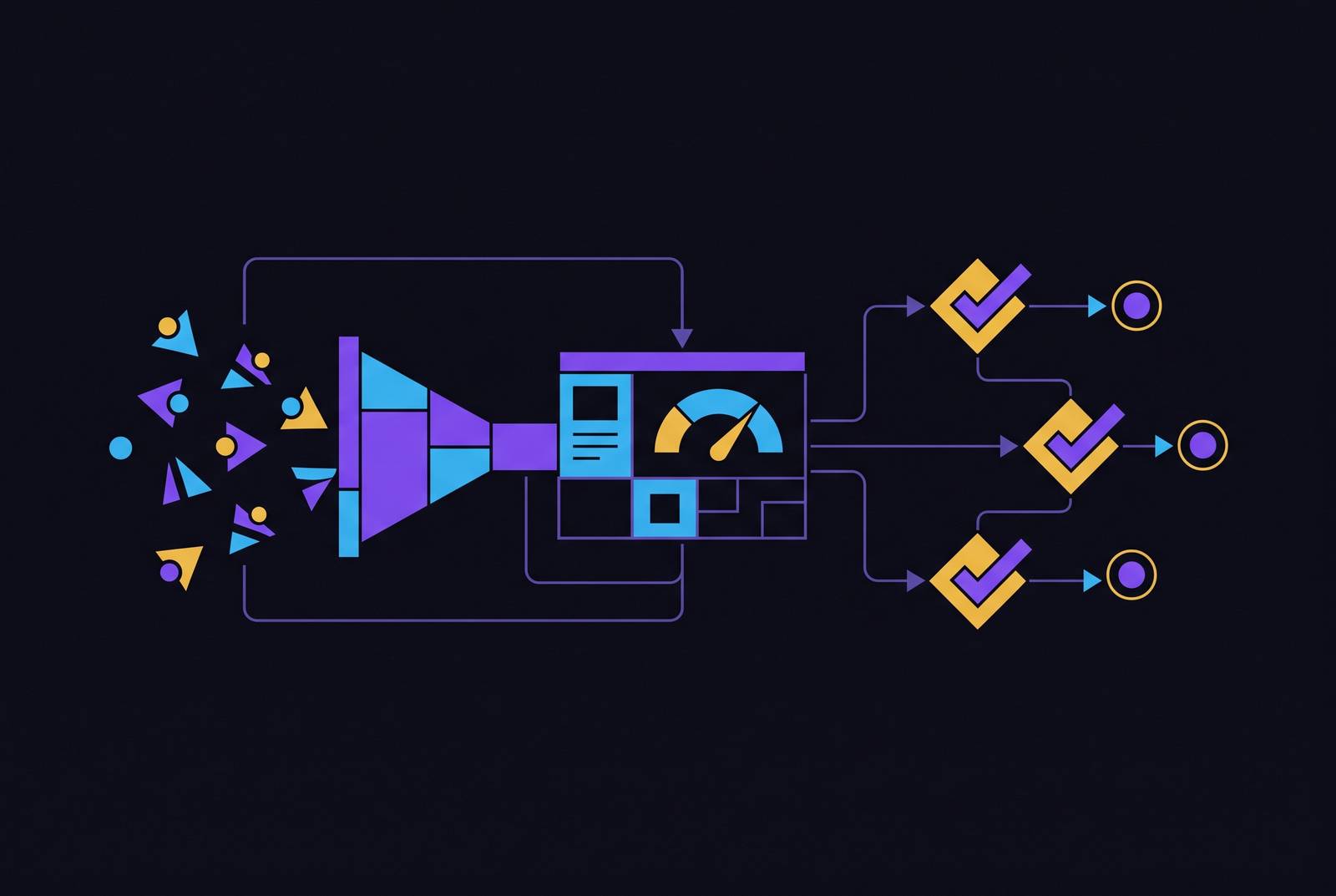
Most enhanced conversions failures in B2B accounts trace back to two prerequisites that produce no error message when missing, so the setup appears complete while Google quietly drops all incoming data. The Google tag captures the form-submit event and the email hash the instant it happens. Data Manager imports the pipeline-stage conversions, MQL, SQL, Closed Won, each with its own assigned value, as deals move through the CRM. So Smart Bidding gets a fast signal from the form fill within hours, and it gets a high-quality signal from the closed deal weeks later. The algorithm uses both together, improving its bid decisions as more of the slow signal rolls in over time.
Configuring the click-ID-to-CRM pipeline that makes offline conversion imports work
But none of the method choices above matter if the underlying GCLID handoff breaks somewhere between the ad click and the closed deal. Offline conversion imports only pay off if the GCLID gets captured the moment someone clicks the ad and survives, unchanged, through the CRM all the way to the end of the deal. If that step is missed anywhere along the way, none of the pipeline-stage conversions can be tied back to any ad click at all.
The GCLID is just a parameter Google tacks onto the landing page URL the instant someone clicks a Google Ad. It identifies exactly which click sent that visitor to the page, and it's the only thing Google has to connect a downstream conversion back to that specific click. Lose it, and the click and the eventual sale become two unconnected events as far as Google Ads is concerned.
The standard way B2B teams capture it: a hidden field on the landing page reads the GCLID straight out of the URL and stores it alongside the name, email, and phone number the moment the form gets submitted. From there, the CRM needs a dedicated custom field for the GCLID, one that travels with the contact record through every stage of the pipeline. A lot of attribution breaks happen quietly right here: GCLID gets stored at lead creation, then stripped out during a lead-to-contact conversion in Salesforce, or simply overwritten by a second form fill later on.
If a form builder can't read URL parameters into hidden fields, you need a JavaScript workaround or you have to switch to a different tool entirely. CRM deduplication logic sometimes merges a returning visitor's new form submission into their original contact record, and in the process overwrites a good GCLID with a null value pulled from what looked like a direct, adless visit. And landing page redirects can strip URL parameters before the page even finishes loading, so the GCLID dies before the hidden field gets a chance to read it.
Check each of those three failure points directly against a live account: open a test form, click through from an actual ad, and trace the GCLID from the URL into the hidden field into the CRM record. If it survives that whole trip, the rest of the pipeline, the value-by-stage bidding, the offline imports, the Smart Bidding signal, has something real to work with.